
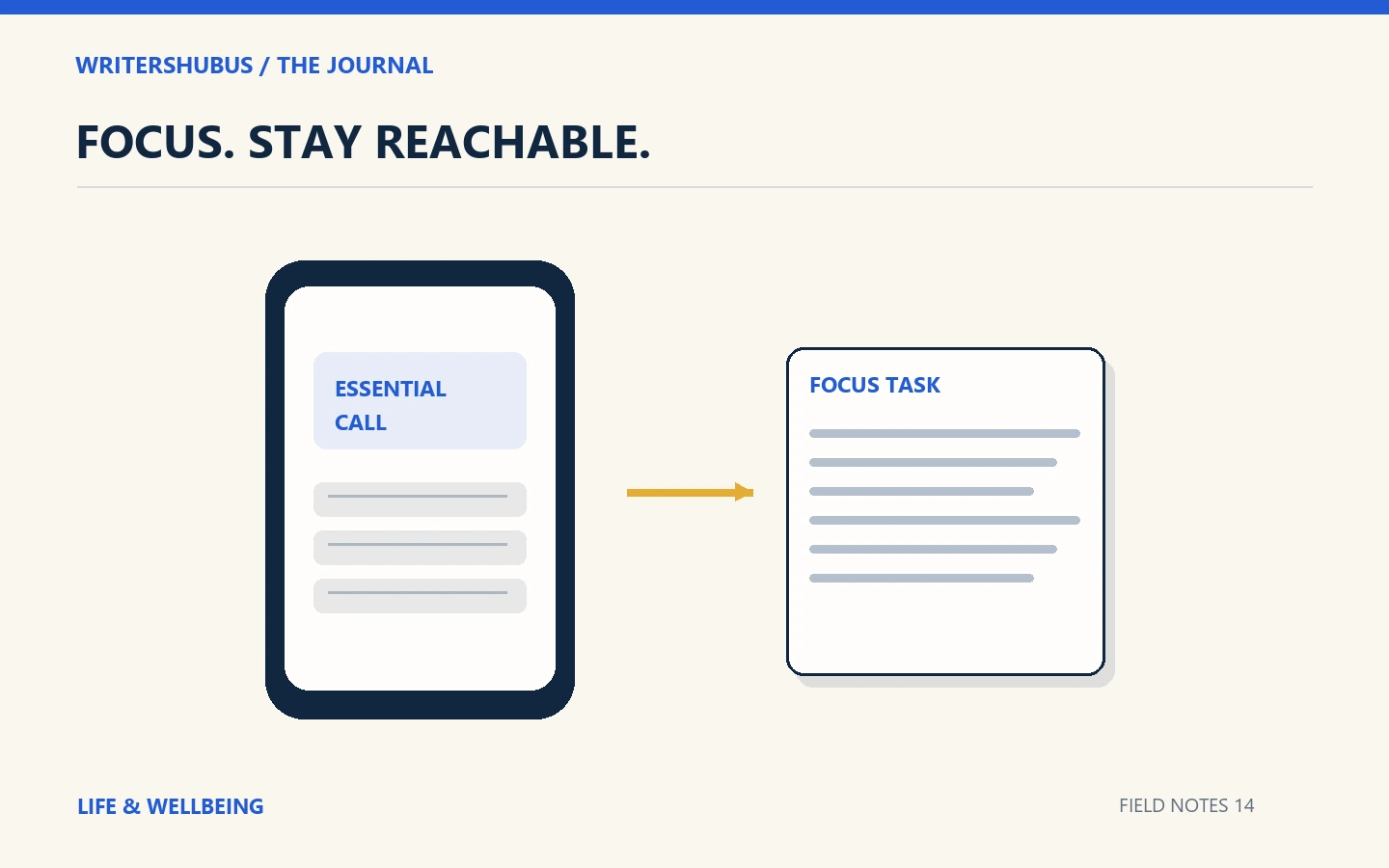
You sit down to work and leave your phone nearby because you need to remain reachable. A notification arrives, then another. You answer a quick message, check something related and return to the document unsure which sentence you were revising.
The useful question is not whether your phone is good or bad. It is which interruptions need to reach you during a particular task and which can wait. A workable system protects some attention while respecting responsibilities to family, work, teammates or other people who may genuinely need a response.
Identify the interruptions you are actually receiving
For one ordinary study session, note what draws you away. Separate messages requiring action from alerts that merely offer something to look at. Include your own checking when no notification has arrived.
The research on the attentional cost of phone notifications is a useful reason to examine alerts rather than focus only on time spent holding the device. It does not mean every interruption has the same effect or that one setting guarantees improved grades. Use your own task observations to design a practical change.
Record the point where you lost the thread. Was the difficulty restarting a calculation, remembering an argument or returning to a reading? That detail helps you choose which work most needs protection. Some administrative tasks tolerate interruptions more easily than complex writing or problem solving.
Decide who and what must remain reachable
List the essential contacts and responsibilities for the session. A coach’s schedule change, a family arrangement, a work requirement or an expected delivery may need different treatment from a general group conversation. Do not assume that silencing everything is appropriate for your situation.
Consider how urgent information normally arrives. A person who needs you quickly may call, while a group chat might carry both urgent and routine messages. Agree on an appropriate urgent-contact method when possible rather than expecting a device setting to infer the difference.
Your needs may change by day. A travel day, a caregiving responsibility and a quiet afternoon can justify different arrangements. Build a small number of understandable modes instead of a complicated system you will stop maintaining.
Use device controls deliberately and test the result
Explore the current notification and focus controls available on your device. Depending on the system, you may be able to allow selected people, limit app alerts, schedule quiet periods or reduce visual and sound interruptions. Check the manufacturer’s current instructions for your model and software version.
Do not assume a setting behaves as you expect. Test it with an agreed contact before relying on it for an important responsibility. Check sound, vibration, screen display and any connected watch or computer. Muting one device may leave the same alerts arriving somewhere else.
Emergency and accessibility needs deserve particular care. Understand the controls you are changing and keep required routes available. If you are unsure how a setting affects essential calls or alerts, seek device-specific guidance before using it as part of your plan.
Give non-urgent messages a place in the schedule
Choose a review point for messages that can wait. That might be after finishing a defined task or during a planned break. The arrangement should fit the responsibilities involved rather than copy someone else’s preferred interval.
When appropriate, tell people what to expect. A simple message such as “I am working on a paper this afternoon and will check the group later; call if something time-sensitive changes” can reduce ambiguity. Use that wording only when calling is genuinely a suitable route.
Avoid promising to check at a time you cannot meet. Clear expectations are useful because they are reliable, not because they sound disciplined. If your work role requires immediate responses, discuss realistic coverage with the relevant person rather than silently changing availability.
Remove invitations to check that serve no current purpose
Review app badges, promotional alerts and notifications for activity that does not need a response. Decide whether each is useful enough to interrupt you. You can often reduce these alerts while leaving the underlying service available when you choose to open it.
Move distracting apps away from the screen you see when opening the device for a practical task. If you repeatedly reach for the phone without noticing, put it somewhere less visible while keeping the agreed essential contact method usable. The appropriate distance depends on your circumstances.
This is not a demand to create a perfectly empty phone. The purpose is to make the intended action easier. If you need a calculator, a reading or a verification message, arrange access to that function without making unrelated feeds the first thing you encounter.
Define a task small enough to finish
Protected time works better when you know what it is for. “Work on the assignment” leaves the stopping point unclear. “Draft the explanation of this result using these notes” gives you an output and a reason to return after an interruption.
| Work block | Useful output | Message-review point |
|---|---|---|
| Read a short section | Questions and a concise summary | After completing the section |
| Revise one part of a draft | A checked paragraph or argument | After the revision pass |
| Practise a method | Completed attempt and identified errors | After checking the attempt |
| Organise the next week | Confirmed dates and next actions | After the planning decision |
Treat the table as an example, not a compulsory timetable. If an important message arrives, handle it and adjust the work. A useful routine supports real responsibilities instead of pretending they do not exist.
Make restarting easier when an interruption is necessary
Before switching away, write a short return note if circumstances allow. Name what you were doing and the next action. “Check whether paragraph three supports the claim in paragraph two” is more useful than “continue essay”.
Keep the relevant file and reference easy to locate. When you return, read the note, inspect the immediate context and begin the named action. You do not need to reconstruct the whole project before resuming one step.
Example
Imagine a student revising a lab discussion who receives an essential family call. Before answering, they add a note: “Next, compare the explanation of the unexpected value with the limitations paragraph.” After the call, that note provides a clear restart point. It does not remove the interruption, but it reduces the uncertainty about where the work stopped.
If there was no time to leave a note, spend a moment identifying the last completed step before continuing. Rushing into unrelated edits can make the task feel active while losing the original purpose.
Review the arrangement using task evidence
After a few sessions, ask whether the change helped you complete the intended work and remain appropriately reachable. Do not evaluate it only through a lower screen-time number. You may use a device extensively for legitimate reading or accessibility support.
Identify any messages that were wrongly delayed or alerts that still interrupted unnecessarily. Adjust those specific points. If the main difficulty was uncertainty about the assignment, notification settings may have addressed only a secondary problem.
Avoid describing a single good afternoon as proof of a permanent solution. Keep the routine flexible enough for exams, travel and changing responsibilities. A sustainable arrangement is one you understand and can revise.
Protect attention around a realistic study plan
Choose one task for your next session, identify essential contacts and test the notification arrangement before relying on it. Keep a short return note available for interruptions you cannot prevent.
If you need help turning an overloaded week into clear academic priorities, visit WritersHubUS academic planning. You can also ask about study-planning support on WhatsApp. Describe the coursework and scheduling difficulty so the support addresses more than the notifications.